Reviewing your videos
As an Administrator or Reviewer, you have the capability to review and approve videos that go through the workflow before they are available for final use in the Video Library. To do so, select Review from the left menu:
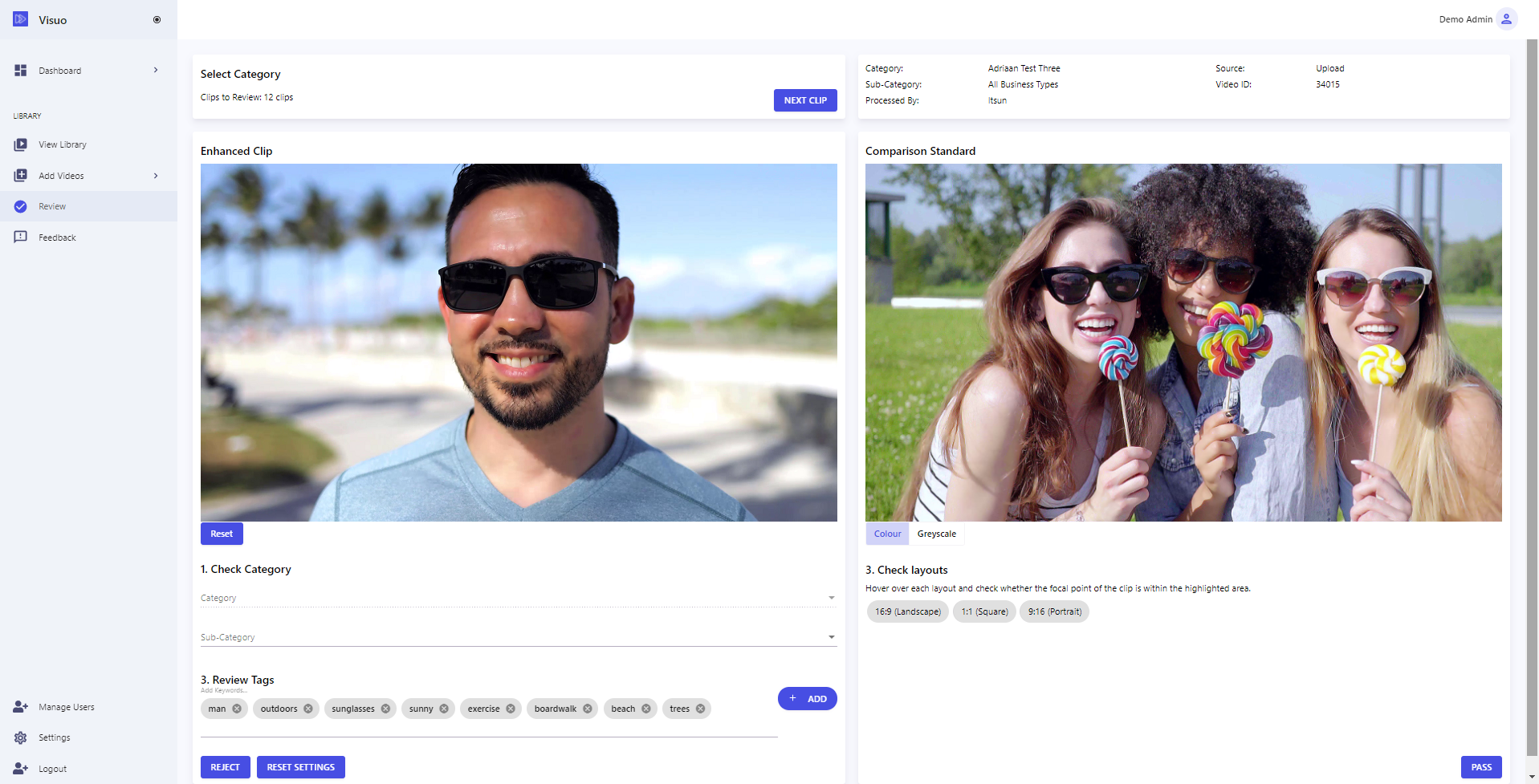
What you can review will vary depending on the specific configuration of your account (See this FAQ article), however for the most common configurations:
- Check that the video has been assigned to the correct category, in case it was assigned to the wrong category on Upload
- Review the tags
- Check the suitable layouts for the video - this helps when searching for videos suitable for other layouts apart from 16:9
When you're happy with the video, press Pass to approve the video and make it available for access within the Video Library.